











The SlotPesa app brings the sportsbook and the casino floor onto a single Android screen, without the tab-switching and reloading that a mobile browser usually involves. This page covers the whole path: where the installer comes from, how to allow it on your phone, what your device needs to run it, and how to deal with the errors that show up most often.
The mobile build suits anyone who bets on the move - on a daladala, during a lunch break, or while watching a match in a bar with patchy Wi-Fi. It is equally useful for existing customers reinstalling after a factory reset, since account data lives on the server and not on the handset. Everything below assumes an Android phone; iPhone users can keep using the site in Safari or another mobile browser.
What Is the SlotPesa App?
It is a native Android client for the betting platform. Football, basketball, tennis and other markets sit in the sportsbook section, with pre-match coupons and in-play prices refreshing on their own. Slots, live tables and jackpot games sit alongside them, so a single balance covers both.
Account work happens inside the app too. You can deposit through the mobile money method you normally use, request a withdrawal, review bet history, check settled and unsettled slips, and complete account verification by uploading a document photo taken with the phone camera. There is no separate tool needed for any of that.
Why Choose the SlotPesa Mobile App?
Speed is the practical difference. The interface is stored on the device, so only odds and balance data travel over the network - useful when you are on a weak 3G cell. Cold start takes a couple of seconds, and the coupon is less likely to reset after a brief connection drop.
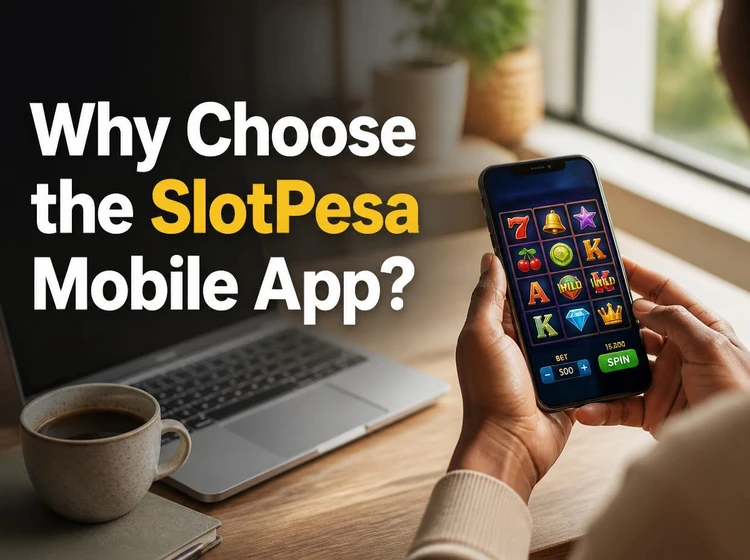
The layout is also built for a thumb rather than a mouse: bet slip at the bottom, market filters as horizontal chips, and a one-tap return to your open bets. Push notifications can tell you when a bet settles, when a deposit lands, or when a match you follow kicks off. You stay signed in between sessions unless you log out yourself, which is convenient but makes phone security important.
SlotPesa APK Download Guide
Android betting apps are often installed through an APK installer file rather than a store listing. That is normal, but the source matters. Use only the file offered on this site, because a copy from a random file-sharing page may be outdated or repackaged.
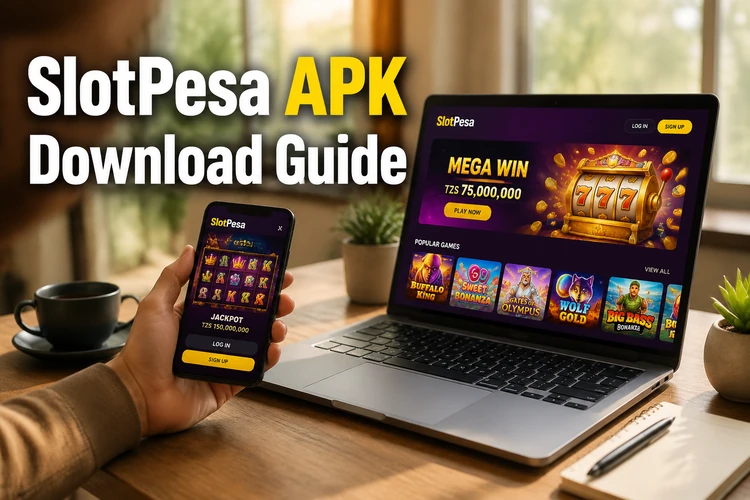
Before you begin, keep the phone charged and install on the same handset you plan to use for betting. This avoids moving files between devices and makes it easier to approve the Android permission prompt when it appears.
- Step 1: Open this page in Chrome on the phone you want to install on, then tap the download button for the Android file.
- Step 2: Confirm the browser prompt asking whether to keep the file. It saves into your Downloads folder.
- Step 3: Check that your Android version and free storage meet the requirements in the table below.
- Step 4: Tap the downloaded file. When Android warns about unknown sources, open Settings, allow installs from Chrome, and go back.
- Step 5: Tap Install and wait for the progress bar to finish.
- Step 6: Open the app, accept the permission requests you are comfortable with, and sign in to your existing account or register a new one.
System Requirements
The app is deliberately light and runs on many budget handsets sold across Tanzania. Nothing unusual is needed: a working data connection and a modest amount of free space cover most cases.
If your phone is close to the minimum, close background apps before the first launch. Storage matters more than raw processing power, because Android needs room to unpack the installer before it can write the app.
| Requirement | Minimum |
|---|---|
| Operating system | Android 5.0 or newer |
| Free storage | Around 100 MB during installation |
| RAM | 1 GB |
| Connection | Mobile data or Wi-Fi |
| Screen | 4.5 inches and above for comfortable coupons |
Main Features
Live betting is the section many people open first. Prices move while the match runs, and cash-out may appear on eligible slips so you can settle early rather than wait for the final whistle. Quick-bet mode places a single selection at a preset stake with one tap, so check the amount before enabling it.
The rest of the app handles everyday account tasks: balance top-ups and withdrawals, active bonus tracking, transaction history filtered by date, and notification settings you can trim if alerts become noisy. The casino section keeps its own search and provider filters, plus a recently played row for games you return to often.
How to Update the App
Because the app sits outside Google Play, updates may not be fully automatic. New builds can fix crashes, add markets and adjust payment screens when a provider changes its flow, so an outdated version is a common reason a deposit form looks wrong or a page refuses to load.
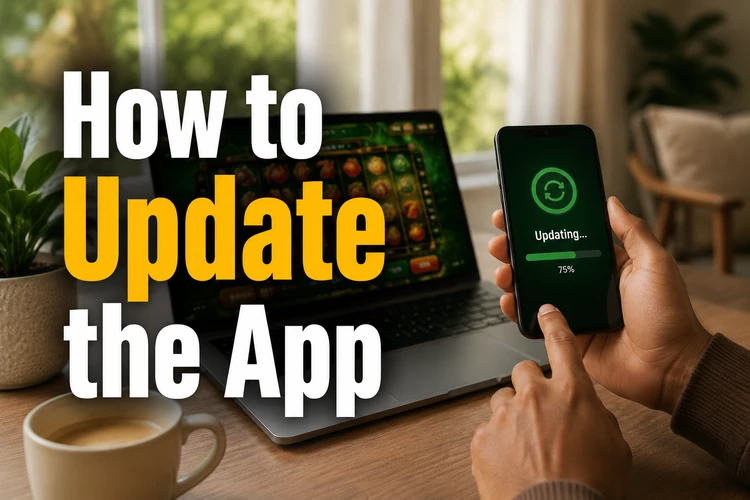
The app shows an update prompt when a newer build exists; accepting it downloads and installs over the current version, and your login usually stays intact. If the update fails midway, delete the partial file from Downloads, free some space and start again. Reinstalling from scratch is safe for your account data - bets, balance and verification records are not stored only on the phone.
Troubleshooting
Most installation problems come down to three causes: blocked unknown sources, not enough storage, or a half-downloaded file. Work through them in that order before assuming the app itself is at fault.
If the app installs but will not open, restart the phone and clear the app cache in Settings. A login error usually means a typo in the phone number or password rather than a server issue; use the password reset link on the sign-in screen if needed. Freezing during live betting is often network-related - switch between Wi-Fi and mobile data and see whether it clears.
After an Android system update, you may need to approve notification or storage permissions again. If a button seems unresponsive, rotate the phone once or reduce display zoom in Android settings; very large text can push parts of a betting slip outside a small screen.
Security Recommendations
Take the installer from this site only, keep the app current, and set a password you do not reuse elsewhere. Reviewing the permissions you grant is worth a minute: the app needs network access, while other prompts should make sense for the action you are taking, such as uploading a verification photo.
Lock your phone with a PIN, pattern or fingerprint, since a signed-in app is effectively an open wallet if the handset is lost. Betting is for players aged 18+, and our responsible gambling tools let you set deposit limits or pause your account from inside the service.
FAQ
Open this page in your phone browser and tap the Android download button. The APK file saves to your Downloads folder, and tapping it starts the installer. The process is usually quick on mobile data, but a stable connection helps avoid a damaged file.
The file offered here is the official build checked before publication. Risk comes from third-party mirrors and file-sharing sites, which may bundle modified code. If you downloaded from anywhere else, delete that file and start again from this page.
Yes, downloading and installing costs nothing, and there is no subscription. You only spend money when you deposit and place bets. The download itself still uses mobile data, so Wi-Fi may be better if your bundle is low.
Yes. Sign in with the same phone number and password you use on the website. Your balance, bet history and verification status carry over, so there is no need to register a second account.
The two common reasons are that installs from your browser are still blocked in Android settings, or the phone is short on free storage. Allow the permission, clear a few hundred megabytes, then tap the file again. If it still fails, delete the download and fetch a fresh copy.
Allow around 100 MB free during installation, with the installed app settling at less than that. Cached images and game data can grow over time, so clearing the cache occasionally keeps the footprint smaller.