











This SlotPesa login guide explains how to access an existing account, complete registration and use the mobile version on an Android device. After signing in, you can manage your user account and continue using the available betting features. Keep your registered phone number ready, and make sure your connection is stable before submitting the form.
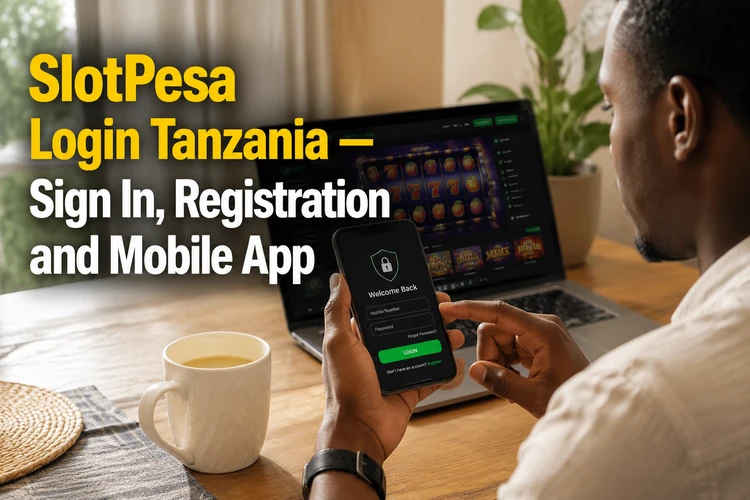
For account security, use the official login page or the installed application rather than a link sent by an unknown person. A private device and a current browser reduce the risk of exposing your credentials.
How to Log In to SlotPesa
The login page asks for two pieces of information: your registered phone number and your password. Enter both fields, check the digits carefully, and tap the sign-in button. If the details are accepted, you will reach your account dashboard. The service can be opened in a modern mobile browser such as Chrome, Firefox or Samsung Internet.
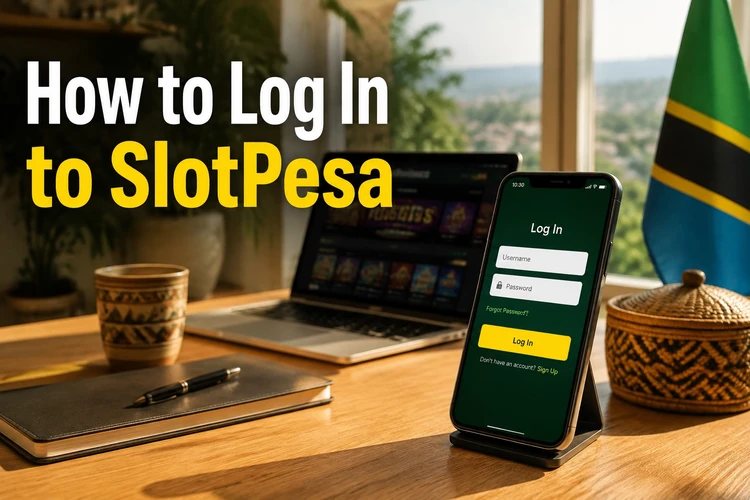
If you use the mobile app, open it and enter the same credentials. On a personal phone, a password manager can help you avoid typing errors. Do not save the password in a browser or app on a shared device, because another person with access to that device might open the account.
Before entering any details, check that the page address is the expected official address and that the connection is secure. Avoid login forms reached through unsolicited adverts, messages or social-media posts. If the page looks different from normal, close it and open the saved official page instead.
Creating a New Account
To create a new account, choose the registration option and provide a Tanzanian phone number that can receive SMS messages. Select a password that is difficult to guess, then submit the form. An SMS verification code may be required to confirm ownership of the number. Enter the code only in the official registration form.
New users must be 18+ to register. The service may request a name and date of birth during registration or during a later account-verification step. Use accurate information and keep it consistent with any identification document that may be requested before an account action such as withdrawal.
Registration works in a mobile browser and through the SlotPesa Android application. If the SMS code does not arrive, confirm that the number was entered correctly, check mobile reception and wait briefly before requesting another code. Repeated requests can make it harder to identify the newest message, so use the latest code received.
Do not create several profiles to work around a login problem. First check the original number and try the account-recovery option. If the number is no longer active, support may need to verify ownership before discussing changes to the account.
Downloading the SlotPesa App for Android
The application is provided as an APK for Android devices. If the file is downloaded outside the Play Store, Android may ask you to permit installation from that source. The exact menu name differs by phone and Android version; it is usually found under Settings, Security or Apps, followed by permission to install unknown applications.
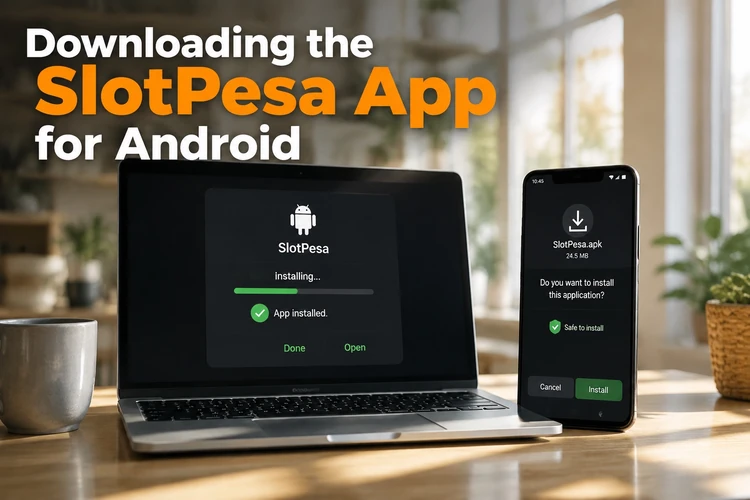
After the download finishes, open the file from the notification or the Downloads folder and review the installation prompt. Keep enough storage free and use a reliable Wi-Fi or mobile connection so the file is not damaged. Once installation is complete, open the application and sign in with the existing account or complete registration.
Updates may require downloading a newer APK rather than using an automatic Play Store update. Install updates only from the official source, check the file before opening it and remove old download files when they are no longer needed. If Android blocks the installation, review the permission for the browser or file manager that opened the APK, then disable that permission again after installation.
The app can be more convenient on a small screen because its controls are arranged for touch use. A browser remains a practical alternative when storage is limited or when you are using a device temporarily. Whichever method you choose, keep the operating system and browser current.
Password Recovery
If you forget your password, select the reset option on the login screen. The recovery process sends a one-time code to the phone number registered to the account. Enter the code, create a new password and sign in again. Never share a recovery code with another person.
A replacement password should not contain an easy sequence, a birth year or information visible on social media. Use a unique combination of letters and numbers, and avoid reusing the password from email, social media or mobile banking. A reputable password manager is safer than keeping the password in an ordinary, unprotected note.
If the SMS does not arrive, check the phone signal, confirm that the SIM card is active and make sure the number matches the account. Wait before requesting another code and use the newest message. If you no longer control the number, contact SlotPesa support through the contact page and be ready to answer ownership checks.
Common Login Problems and How to Fix Them
Most access errors are caused by a mistyped password or phone number. Passwords are case-sensitive, so check the keyboard language, capital letters and any extra spaces. If several attempts fail, stop guessing and use recovery instead; repeated unsuccessful attempts may trigger a temporary security restriction.
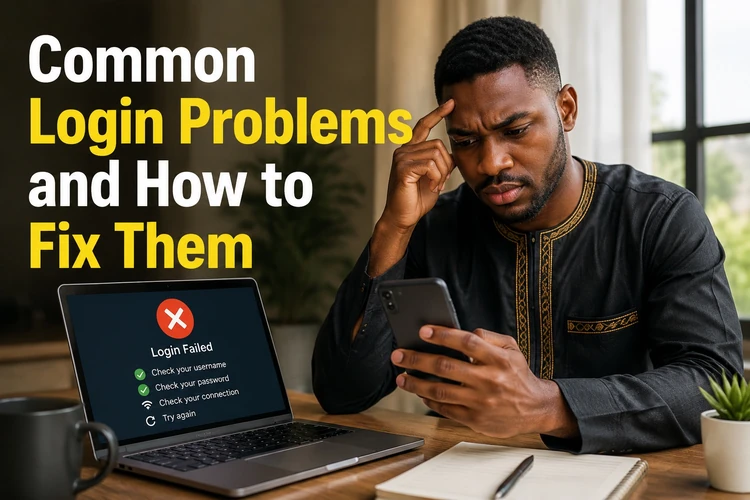
When the phone number is rejected, compare it with the number used during registration and follow the format shown in the form. If SMS verification is delayed, check reception, restart the phone and request one new code after waiting. Do not repeatedly submit the form while the network is unstable.
A blank page or server error can result from maintenance, a weak connection or stale browser data. Try another network, refresh once, clear cached files and reopen the page. If the service remains unavailable, wait and try later rather than entering credentials into an unfamiliar alternative page.
For an app that freezes or closes, restart the phone, check available storage and confirm that the application is up to date. If the problem began after an update, reinstall the current APK from the official source. Keep the account details available before removing the app, since you may need to sign in again.
Keeping Your Account Secure
Your account contains personal information and may be connected to funds, so use it carefully. Never share your password, SMS code or recovery details through messaging services. Be cautious of anyone asking for remote access to your phone or promising to fix the account in exchange for credentials.
Download application files only from the official source. Unofficial APK sites can modify files and may expose passwords or SMS messages. Keep Android security features enabled, install system updates and review app permissions. If an installed application behaves unexpectedly, remove it and scan the device before signing in again.
Log out after using a public or shared device, and avoid saving credentials there. On a personal phone, use a screen lock and do not leave the device unattended while the account is open. For additional guidance on keeping play controlled, see the responsible gambling information.
FAQ
Open the official login page or the Android app, enter the phone number registered to your account and type your password. Check the details before tapping the sign-in button.
Choose the registration option, enter an active Tanzanian phone number, create a unique password and submit the form. Complete the process with the SMS verification code if one is requested.
Use the official application source rather than an unknown APK website. Android may require permission for the relevant browser or file manager to install an application from outside the Play Store.
Use the password-reset option on the login screen. Request a one-time SMS code for the registered phone number, enter the latest code and choose a new unique password.
Confirm that you are using the phone number linked to the account and the format requested by the form. If the details are correct, clear browser cache or update the app, then try again after checking the network connection.
Yes. You can complete registration in a mobile browser or in the Android application. You need an active phone number that can receive any verification SMS sent during sign-up.